Data Protection Guide for Employees from a Senior Pentester’s Perspective
There is an uncomfortable truth most organisations prefer not to emphasise: the majority of successful attacks are not caused by technological failures, but by human factors. It is not the firewall that “let the attacker in”, but rather a moment where attention was unintentionally missed, a gap in the shield.
Below, we have collected the key principles that can turn an employee from a potential risk into an active line of defence within an organisation.
Passwords: it’s not about being creative, it’s about being unpredictable
Passwords such as “pet’s name + year of birth” are no longer simply mistakes. They effectively open doors.
It is important to understand that during a typical brute force or credential stuffing attack:
- attackers work with existing, leaked password databases,
- they use automated tools,
- and they can test thousands of variations within minutes.
What does this mean in practice?
If you reuse the same password across multiple platforms, a single compromised service can expose all the others.
You can significantly improve your digital security by taking your organisation’s password policy seriously and adhering to it. This means – ideally – using a password manager (e.g. Bitwarden or 1Password), creating unique passwords with at least 16 characters, and enabling multi-factor authentication (MFA) wherever possible.
Otherwise, a simple LinkedIn data breach could lead directly to your O365 account and all the data stored within it. No hacking required – just awareness and opportunity.
Phishing is the cheapest and most effective attack method
Phishing is no longer about poorly written emails or “Nigerian prince” scams. Modern attacks can appear almost entirely legitimate. They use real company logos, convincingly imitate internal communication styles, and often build on current business situations (e.g. bonuses, audits, invoices).
Attackers frequently rely on scenarios that genuinely occur within organisations, making the situation believable and the reaction feel necessary.
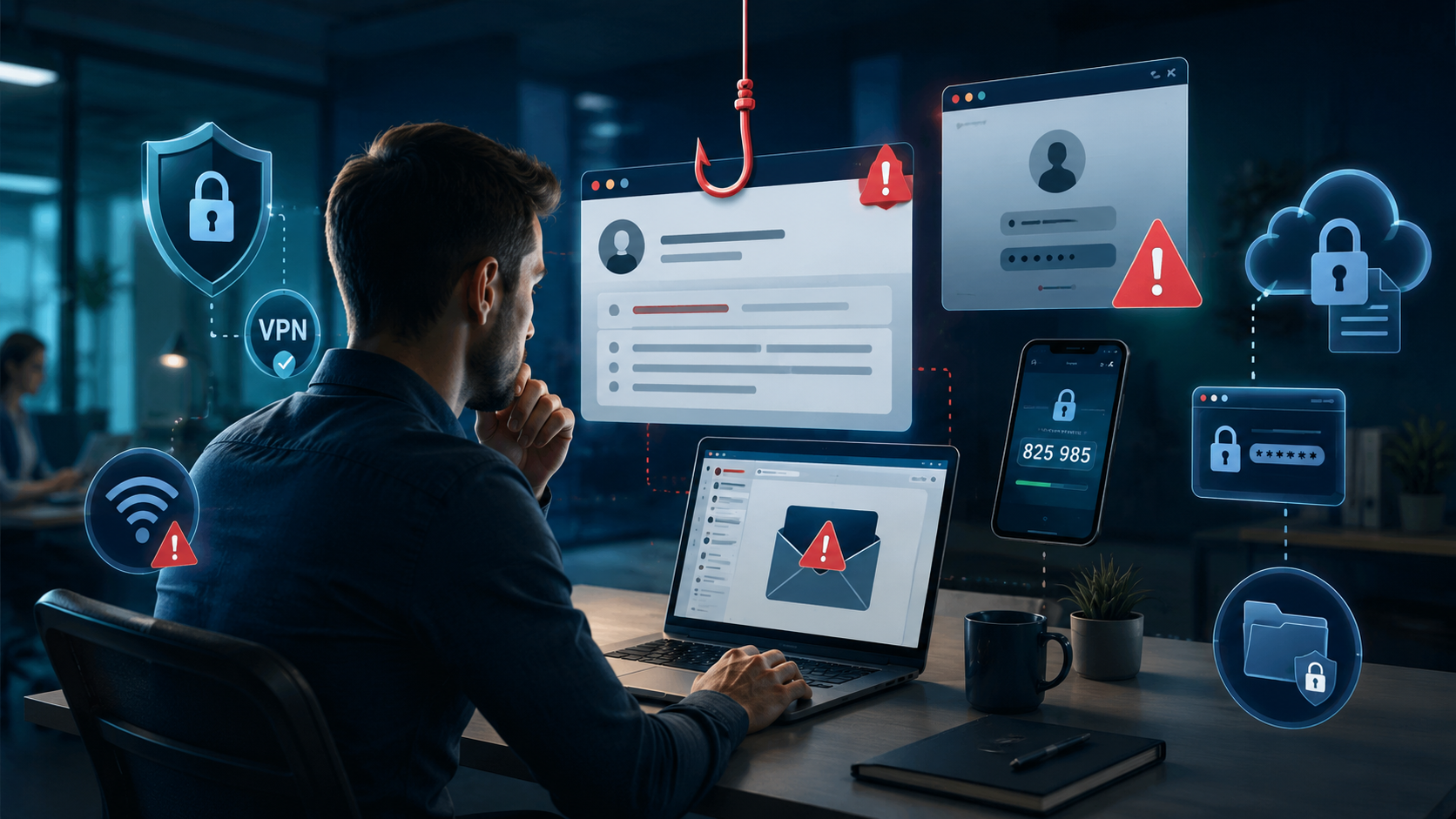
Imagine receiving an email titled “Urgent: Updated payslip” from Finance. You react instantly, click the link, and find yourself on a fake login page. If you are not sufficiently aware, you may end up entering your real credentials into what appears to be a legitimate authentication process.
Before clicking, apply the three-second rule:
- check the sender’s domain,
- verify the URL (hover before clicking),
- confirm the request with the sender if anything feels uncertain.
No matter how urgent or alarming a message may seem, remind yourself: in the case of a real incident or critical issue, you would likely be contacted directly, not only via email.
Real pentest experience: During a phishing campaign, 38% of employees clicked on a “HR bonus” email. Not because they were careless, but because this is how human psychology works.
Corporate devices: without boundaries, there is no security
A corporate laptop is not “partly personal”. It is a business endpoint through which an organisation’s entire infrastructure may become accessible – not only to you but also to an attacker. When the boundaries between corporate and personal use blur, you are not gaining convenience – you are introducing risk.
What does this mean in practice?
A seemingly harmless personal download – such as quickly installing software or downloading media – may contain malicious code that silently enters the corporate environment.
A weak or already compromised personal account can serve as an entry point for attackers to move into corporate systems. The most dangerous aspect is that the result is often not an immediate, visible breach, but rather silent data loss or a delayed data protection incident.
Common everyday mistakes:
- downloading torrents or files from untrusted sources on corporate devices;
- syncing personal cloud services (e.g. Google Drive) with corporate documents;
- mixing personal and business data within the same file structure.
These may seem minor, but for an attacker, they are often the easiest points of entry.
Rule of thumb: Corporate data should remain in corporate environments, and corporate devices should be used for work purposes only. Clear boundaries are one of the simplest – and most effective – forms of protection.
Public Wi-Fi: not a question of risk, but of exposure
Public Wi-Fi networks are inherently insecure, yet many people are quick to connect when they find a faster or free network. The issue is not that problems might occur; it is that these environments are fundamentally exploitable.
On a public network, you have no visibility over who else is connected or what their intentions are.
An attacker may:
- monitor and analyse network traffic (sniffing),
- launch a man-in-the-middle attack and intercept communication,
- create a fake access point that mimics a legitimate network (e.g. “Free Airport WiFi”).
What does this mean in practice?
When working over an unprotected connection, attackers may gain access to data you believe is secure. Logging into systems, sending emails, or accessing internal platforms can all present significant risks.
How to mitigate this:
- always use a corporate VPN to create an encrypted communication channel,
- avoid sensitive operations on public networks whenever possible.
Mobile devices: the most underestimated attack surface
Mobile phones were once secondary devices. Today, they are full corporate endpoints with access to the same systems and data as a laptop. Consider what they contain:
- corporate email,
- documents and files,
- authenticator applications providing access to other systems.
This combination makes them particularly valuable targets. The most common risks are not complex vulnerabilities, but basic oversights:
- outdated operating systems,
- applications from untrusted sources,
- rooted or jailbroken devices with weakened security controls.
A typical scenario is downloading an app outside the official store because it is not available there. In practice, this often results in installing malware that can access emails, files, or authentication processes.
How to avoid this:
- install applications only from official app stores,
- keep both the operating system and apps up to date,
- use mobile device management (MDM) solutions if provided by your organisation – every time.
Rule of thumb: A mobile device is not “semi-personal”. If it contains corporate data, it must be treated as a corporate endpoint.
Social engineering: the attacker targets you, not the system
Most attacks do not begin with a technical vulnerability, but with a well-timed, convincing message. “Hi, this is IT…” What appears to be a simple request may in fact be a targeted attack. Social engineering works by persuading users to voluntarily provide access, rather than bypassing systems.
Warning signs include:
- requests for passwords,
- requests for MFA codes,
- urgency and pressure to act immediately.
These situations are almost always malicious.
Key principle: Neither IT, nor your bank, nor your manager will ever ask for your password or authentication codes.
Real case: In a CEO fraud scenario, a finance employee initiated a transfer based on an email appearing to come from the CEO. The sender’s domain differed by just one character. The amount involved was tens of thousands of euros. No technical vulnerability was exploited, only trust.
Information leakage is not only a digital issue
Data protection is often treated purely as an IT matter. In reality, everyday behaviour and communication play an equally important role. Not all data breaches occur through systems.
Common offline risks:
- discussing business matters in public spaces,
- sharing sensitive project details in lifts or communal areas,
- leaving screens with sensitive data unattended.
These situations are often overlooked, yet they can have serious consequences.
Incident response: the most expensive mistake is silence
Mistakes can happen. This is not the exception; it is the baseline. The real question is not whether an incident occurs, but how quickly it is identified. If you clicked a suspicious link, entered credentials on an uncertain platform, or noticed unusual or unexpected behaviour, report it immediately.
Timing is critical because sessions can be hijacked within minutes, attackers can move laterally within hours, and full compromise can occur within days. Delays do not reduce the problem; they amplify it.
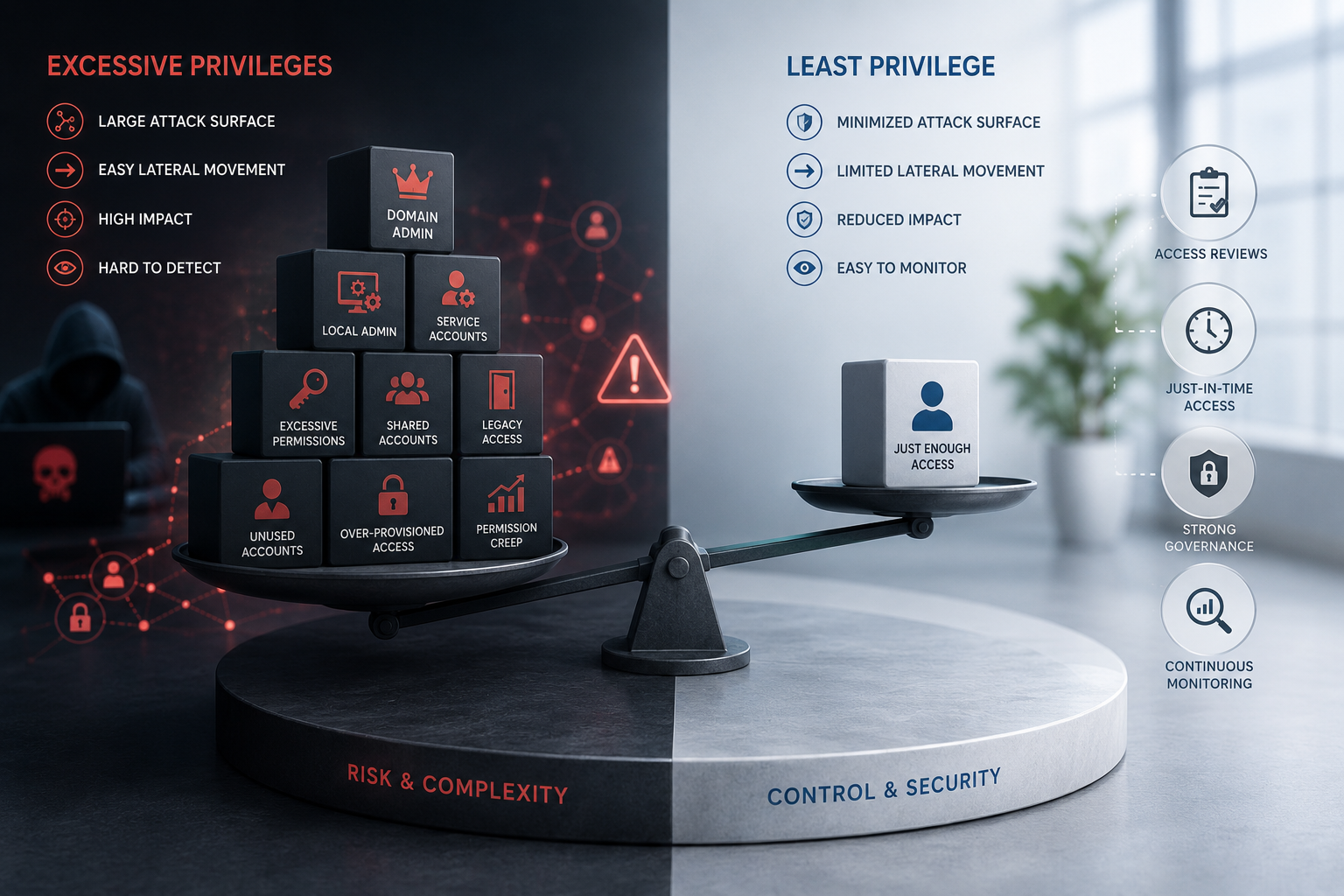
Real pentest experience: In one case, a user waited nearly 48 hours before reporting an issue. By then, the attacker had escalated privileges to the domain admin level.
A quick report is often enough to prevent a minor issue from becoming a major incident. Security does not begin where technology ends, but where everyday behaviour starts.
If you are curious about how resilient your organisation is in practice, it is worth validating it in a controlled environment rather than relying on assumptions. Interested in the details? Get in touch with us.